Move your head. IPS glow changes with your viewing angle and distance, and it is mostly in the corners. Backlight bleed stays the same from every angle, and it can be anywhere along the edges. That is the test Dell gives in its guide to IPS glow and light leakage. The difference matters: Dell calls IPS glow “not a defect but rather an inherent trait of IPS technology”, while light leakage is a manufacturing issue that can be a defect when it is bad.
IPS glow vs backlight bleed: the angle test
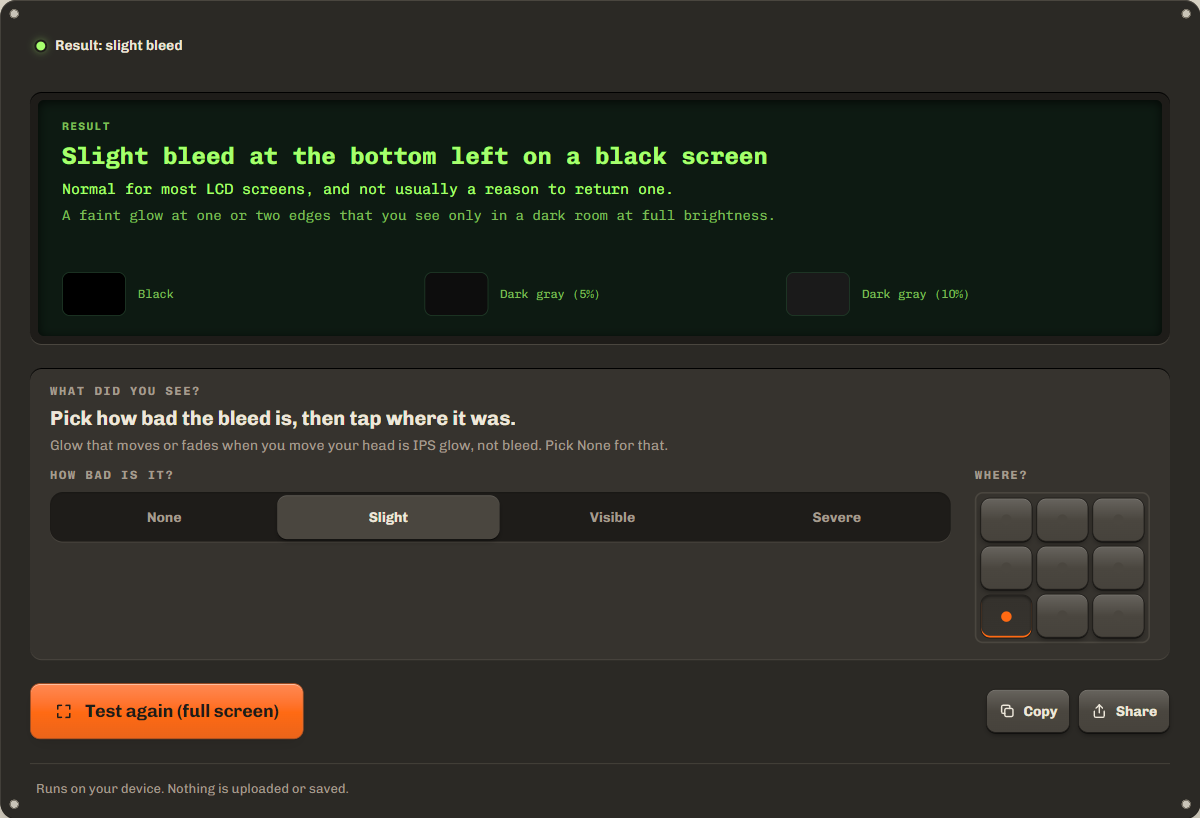
Do the test in a dark room with a full black screen, such as the backlight bleed test. Sit where you normally sit, then:
- Look at each corner and edge from straight in front.
- Move your head left and right, then up and down.
- Lean back a little, then come closer.
If a light patch grows, fades or changes color as you move, it is IPS glow. If it keeps the same shape and place, it is backlight bleed. Dell’s comparison in short:
- IPS glow: “Changes with viewing angle and distance.” Mostly in the corners. Specific to IPS and similar panels.
- Light leakage (backlight bleed): “Remains constant regardless of viewing angle and distance.” Can be at any edge or corner. Not tied to one panel type: it comes from how the screen was built.
Why IPS glow happens and how to reduce it
All LCD screens, IPS and VA alike, have a backlight that is always on. Black is the panel blocking that light, not the light turning off. Some light always gets through, and on an IPS panel you see more of it at an angle. That is the glow.
You cannot remove IPS glow, but Dell’s guide gives steps that make it less visible:
- Put the monitor where it will stay, at eye level.
- Let it warm up for about 30 minutes before you judge or adjust it.
- Keep a little light in the room instead of full dark.
- Set the brightness to around 30% to 50% of the maximum.
- Set the contrast so bright areas are clear but not too strong, and choose a warm color temperature (around 6500 K) if the monitor has one.
IPS vs VA: which has less bleed and glow?
VA panels are LCDs too, so they have a backlight and can have backlight bleed. Samsung’s panel buying guide says VA panels are “less prone to backlight bleed compared to other LCD panels”, and it lists the faint glow from the screen edges as a trait of IPS. It also gives the trade-off: VA has moderate viewing angles, slightly narrower than IPS and OLED.
VA panels block more of the backlight, so their blacks are darker. LG says it has VA monitors with contrast ratios of 3000:1 and 2500:1 (LG). Samsung describes IPS as having “limited contrast, blacks may appear faded” in the same buying guide.
So if a dark room and dark games or films matter most to you, VA usually shows less glow and bleed. If you need wide viewing angles and color, IPS is the usual choice, and some glow comes with it.
IPS vs OLED: does OLED have glow or bleed?
No. An OLED screen has no backlight: Samsung describes its deep blacks as coming from “individually lit pixels”. A black pixel is off, so there is no light to leak at the edges, and no IPS glow.

OLED has a different risk. Samsung’s guide lists a “risk of burn-in over time due to organic components”. If you see a faint shape on an OLED, it is not bleed: read how to fix screen burn-in instead.
Is it a reason to return the monitor?
IPS glow alone is not a fault, so a return for glow depends on the store’s return policy, not on the warranty. Backlight bleed can be. Dell says light leakage “can be considered a defect if it significantly affects the viewing experience”. In practice, check two things:
- Can you see it in normal use? Test at your normal brightness, with normal content, in your normal room. A black test screen in a dark room is the hardest case, so also judge it by what you see in a dark film or game scene.
- Is it in the return period? A store return is usually easier than a warranty claim.
If you make a claim, describe where the light is, say that it does not change with the viewing angle, and send your result from the backlight bleed test.