Black Screen
Turn the whole display pure black in one tap. It looks off on OLED, but the device stays awake.
Ready: black
Black, 100%
Color
Timer and screen
When the time is up, the color closes and the screen can dim and sleep the way it normally does.
Asks the browser to keep the screen on while the color shows.
Runs on your device. Nothing is sent anywhere.
How to use the black screen
This page paints every pixel pure black: red, green and blue all at 0. It is the darkest thing a screen can show, and it opens on black with no setup.
- Step 1Tap Open black screenThe page goes full screen and turns pure black. The bar at the bottom fades out after a few seconds.
- Step 2Leave it runningThe cursor hides when the mouse is still, and the page asks the browser to keep the display awake.
- Step 3Come backPress Esc or click the screen. On a phone, tap once to see the bar and again to leave. Open Timer first to end it by itself.
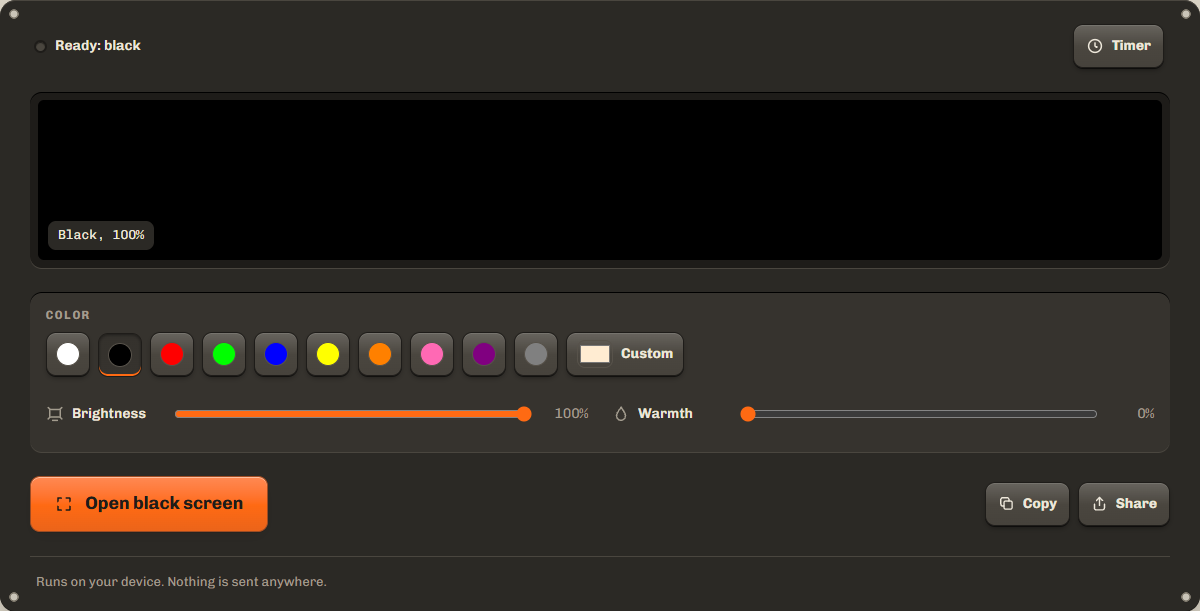
Brightness and Warmth do little on pure black. They matter if you switch to a color with the arrow keys or the swatches, for example a dim red for a dark room.
The OLED off look
On an OLED or AMOLED display, each pixel makes its own light, and a black pixel is simply switched off. So a full black screen on an OLED phone, laptop or TV looks the same as a screen that is off, with no glow at the edges. Phones with an always-on display use the same trick: they light only the clock and leave the rest black.
It is also the quickest way to see if a screen is OLED. In a dark room, open the black screen and look at the corners. Pure black edge to edge means OLED; a gray haze or brighter patches means an LCD with a backlight.
Checking backlight bleed
On an LCD, the backlight never switches off, and the panel can only block most of it. Where the frame presses on the panel, light leaks through as bright patches along the edges: that is backlight bleed. A cloudy glow that changes when you move your head is IPS glow, which is normal for IPS panels.
For a quick look, darken the room, turn the screen brightness up and open the black screen. For a proper check with tips on what counts as a fault, use the backlight bleed test. Bright single dots on black are a different fault: stuck or hot pixels, which the dead pixel test sorts out.
Hiding the screen
A black screen is a fast way to blank a display without locking it or stopping what runs behind it. Some examples: blank a second monitor while you present on the first, cover a projector between slides, or keep a download, a render or music running while the screen shows nothing.
It hides what is on screen, but it is not a lock. Anyone can press Esc and see your desktop, so lock the device when you walk away.
Sleep and ambient light
When a phone or tablet must stay on next to the bed, for example to play a sleep sound or white noise, a black screen keeps the room dark. Set Timer to turn it off after 30 or 60 minutes, so the screen can then sleep the normal way.
If you want a little light instead, switch to red or orange and turn Brightness down: a dim, warm glow is enough to find your way without lighting up the room. For a bright light, use the white screen.
FAQ
Does a black screen save battery?
On an OLED or AMOLED screen, yes: a black pixel gives off no light, so it uses next to no power. On an LCD, no: the backlight shines behind the whole panel whatever the color, so black uses about as much as any other color.
Is a black screen the same as turning the screen off?
No. The device stays awake, apps keep running and the screen is ready the moment you leave. On OLED it looks off, but on an LCD you can still see a faint glow in a dark room, because the backlight is on.
Can a black screen cause burn-in?
No. Burn-in comes from bright shapes that stay in one place for a long time. A black OLED screen has its pixels off, so it does not wear them. Only the control bar is bright, and it hides after a few seconds.
How do I keep my screen black but awake?
Open the black screen and leave Keep the screen on ticked in Timer. The page asks the browser for a screen wake lock. Where a browser does not support it, raise the auto lock or sleep time in your device settings.
How do I share a link that opens black?
This page always opens on black. The white screen opens on black too with ?color=black at the end of its address.
Related tools
All display testsA full-screen white or colored screen, with brightness and warmth.
A guided check for light leaking at the edges of an LCD screen.
Find burned-in logos and taskbars on OLED and LCD screens.
Cycle plain colors and mark any dot that does not match.
Maintained by NabeelUpdated Nov 22, 2026.