Threads Character Counter
Check a post against the 500 character limit of Threads, with emoji and links counted as Meta's docs say.
Type or paste your post
0 / 5000 typed0 emoji0 links
Your text is counted in this page. It is not sent or saved anywhere.
How the counter works
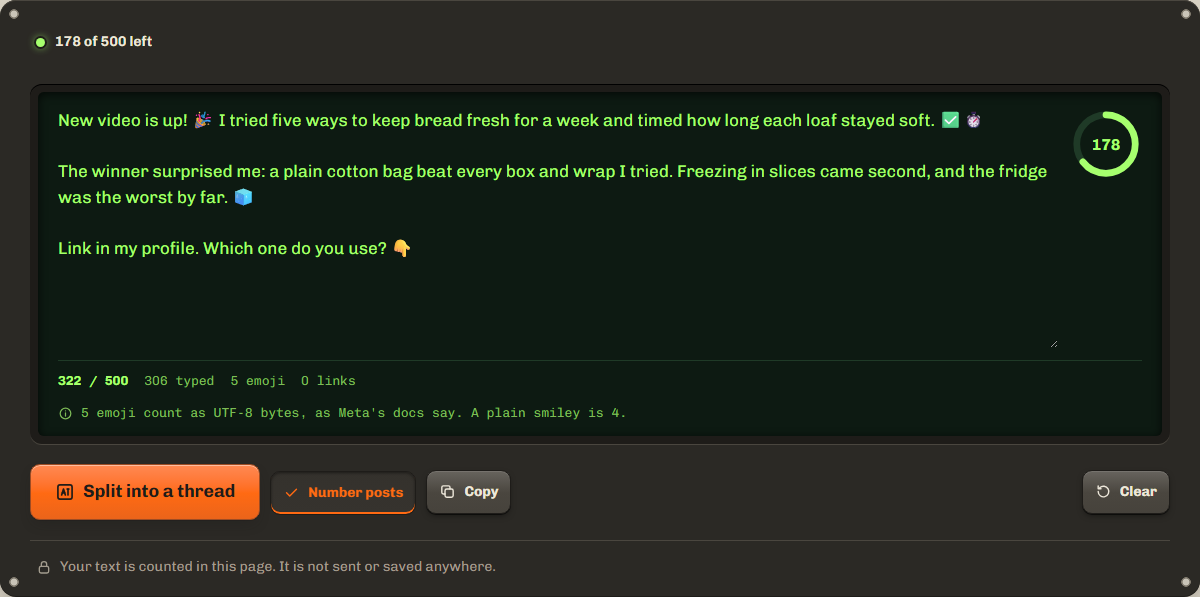
The counter splits your text into characters as you see them with the browser's Intl.Segmenter, so an accented letter or a flag is one unit. Each letter, space and punctuation mark counts as 1. Each emoji counts as its number of UTF-8 bytes, because that is the rule in Meta's Threads docs. Under the text you see the plain count of what you typed next to the Threads count, so you can tell how much the emoji add.
- Step 1Type or paste your postThe count updates as you type. Your text stays in the page.
- Step 2Check the ringThe ring shows what is left of the 500. It turns amber in the last 50 and red when you are over.
- Step 3Split or copyToo long? Split it into numbered posts and copy each one, or copy the whole post as it is.
Links count in full, as typed: Meta's docs say nothing about shortening them. The same docs allow at most 5 links in a post, and the counter shows an amber warning when you go past that.
Threads character limit
A Threads post holds up to 500 characters. Meta states it in the Threads developer docs: "Text posts are limited to 500 characters," with emoji counted as their UTF-8 bytes and at most 5 links (Threads API, posts). Since September 2025 you can also attach up to 10,000 characters of text to a post (Meta newsroom). The attachment is separate from the 500 and is not counted here. We read both pages on October 23, 2026.
Posting the same text to Bluesky as well? It allows only 300 characters and counts emoji as 1 each, so check it with the Bluesky character counter. Limits for X, Mastodon, Instagram, LinkedIn and YouTube are in the table on the creator tools page.
Split a long post into a thread
Tap Split into a thread and the counter breaks your text into posts of at most 500. It ends a post at a full stop or a line break when there is one near the end, and otherwise between words, so no word is cut unless it is longer than a whole post. With Number posts on, each post ends in 1/3, 2/3 and so on, counted inside the limit.
Copy the first post into Threads and publish it, then add each next post as a reply to your own. If you would rather keep the text in one place, the 10,000 character text attachment is the other way to post it.
FAQ
How many characters can a Threads post have?
500. Meta's Threads developer docs say text posts are limited to 500 characters. For longer writing, Threads lets you attach up to 10,000 characters of text to a post, which is read in the app as an attachment.
How are emoji counted on Threads?
Meta's docs say emoji are counted as the number of their UTF-8 bytes. A simple smiley is 4 bytes, and an emoji built from several parts, such as a family, uses more. The counter follows that rule, so a post with many emoji fills up faster here than its length suggests. The Threads app may show a different number; the docs are the only rule Meta publishes.
Do links count toward the 500?
The docs do not say links are shortened, so the counter counts every link in full. They do set a limit of 5 links per post, and the counter warns you when a post has more.
Does it count hashtags and mentions?
Yes, as normal text: every letter of a hashtag or a mention counts.
Is my text saved or sent anywhere?
No. The count runs in your browser, and the text is gone when you close the page.
Related tools
All creator toolsCheck a post against Bluesky's 300 character limit.
See your thumbnail and title in home, search and phone layouts.
Check that text on your graphics is easy to read.
Maintained by NabeelUpdated Oct 23, 2026.