YouTube Thumbnail Preview
See your thumbnail and title where viewers will see them: among other videos in a feed, in search, next to a video and on a phone.
Add a thumbnail to see it in a feed
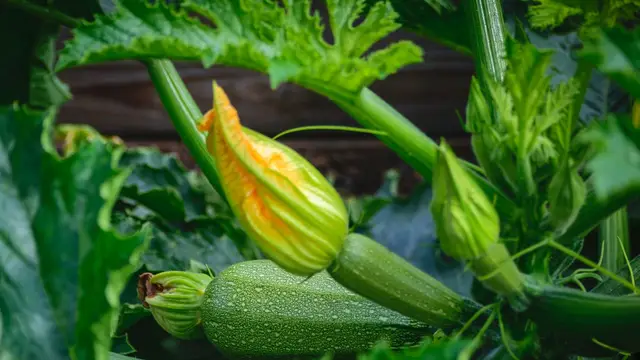 11:05
Too many courgettes? 5 ways to use them up
Back Plot Garden
73K views • 3 weeks ago
Your video title shows here
Your channel
1.4K views • 2 hours ago
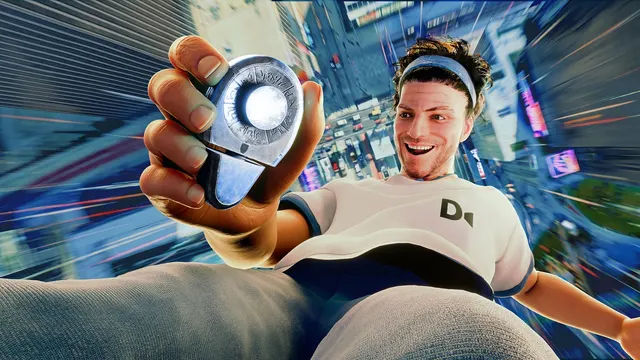 17:40
I jumped off a skyscraper to test this gadget
Gear Gravity
5.1M views • 2 weeks ago
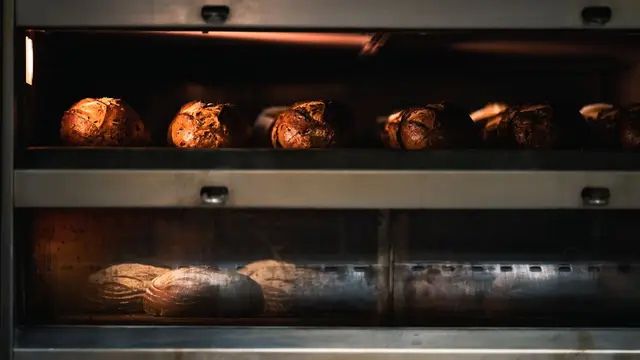 14:08
Why my sourdough finally rises: 3 small oven fixes
Crumb Theory Kitchen
412K views • 3 weeks ago
 3:00:00
Tropical island waves for sleep and focus
Calm Shores
12M views • 2 years ago
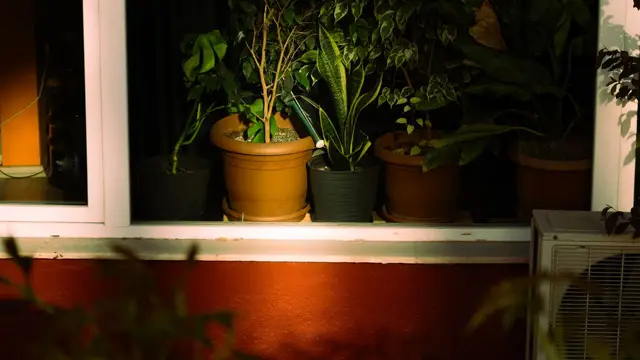 19:26
Repotting every plant in my flat in one afternoon
Leaf Margin
128K views • 2 weeks ago
See the feed for a moment, then pick the video you noticed first.
Type a title to see where each layout cuts it.
The layout on screen is measured as drawn, the others at the usual size of these mock-ups. Real cards change with the screen width.
Both go into the same feed, at random places.
Your thumbnails are opened in this page and never uploaded. The layouts are neutral mock-ups and the other videos are made up. Not affiliated with YouTube.
How to preview your thumbnail
A thumbnail is judged at the size of a stamp, next to a dozen others. This preview puts yours at a random place in a feed of made-up videos, with your own title and channel name, so you see it the way a viewer scrolls past it. Not affiliated with YouTube: the layouts are neutral mock-ups drawn in the page.
- Step 1Add your thumbnailTap Choose thumbnail or drop a JPG, PNG, WebP or GIF on the preview. It lands at a random place in a feed of other videos, and it is not uploaded.
- Step 2Type the title and channelThe title check shows where each layout cuts the title, and which words are lost.
- Step 3Look for itSwitch between Home, Search, Up next and Phone, in Light and Dark. Shuffle for new neighbours, and use Find mine to see where it is.
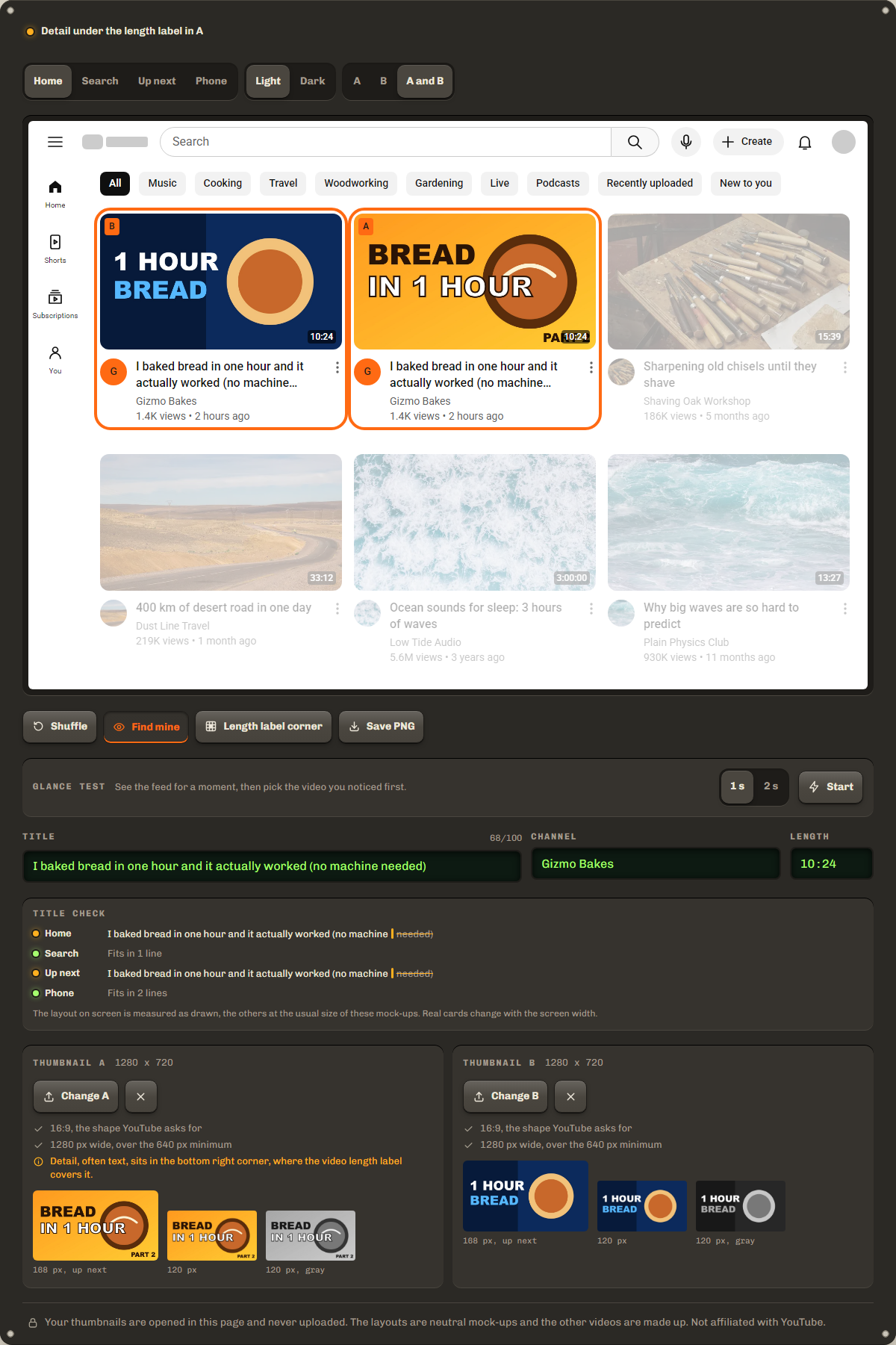
Shuffle swaps the videos around yours and moves it to a new place, so you do not get used to one spot. Under each thumbnail you see its size in pixels and a short check against YouTube's rules: the 16:9 shape, the 640 pixel minimum width and the 2 MB limit for uploads from the phone app. Save PNG downloads the current mock as an image you can send for feedback.
Where your title gets cut
Feeds show two lines of the title and cut the rest with three dots. The title check measures your title in each layout and shows the words that still show, a marker where the cut falls and the words that are lost. The layout on screen is measured as it is drawn; the others at the usual size of these mock-ups. Real cards change with the width of the screen, so treat the cut as a close guess and put the words that matter first.
The title box stops at 100 characters, the limit on YouTube video titles (YouTube Help).
Thumbnail size and safe areas
YouTube's help page on custom thumbnails asks for an image that is as large as possible, with a resolution of 3840 x 2160 pixels for videos and a minimum width of 640 pixels, in a format such as JPG or PNG. Try to keep it at 16:9. The file must be under 2 MB when you upload from a phone and under 50 MB from a computer (Add custom thumbnails on YouTube, read on October 23, 2026). The page also says your account must be verified to upload custom thumbnails.
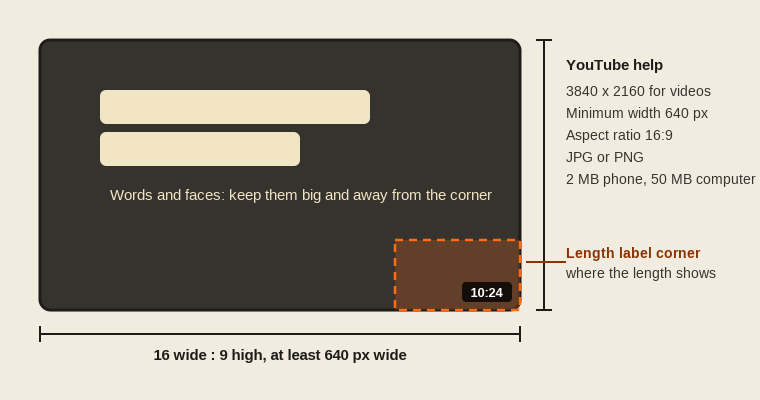
YouTube's help names no safe area. One part is covered on most video cards: the bottom right corner, where the length of the video shows. The preview checks that corner for sharp detail such as text and warns you; turn on Length label corner to see the area it checks. Keep words, faces and logos out of it.
Compare two thumbnails in the same feed
Load a second image with Add a second thumbnail. A and B then go into the same feed at random places, with the same title, so the only difference is the image. Switch to A or B alone to see each one with different neighbours, and switch layouts to check that the better one stays better at every size. A thumbnail that wins in the large home grid can lose in the small up next list.
Then run the glance test. The feed shows for 1 or 2 seconds, the text disappears, and you tap the video you noticed first. Do a few rounds: Shuffle runs before each one, so A and B move every time. The tally stays in your browser. It is a quick check, not a click rate: you know your own thumbnails, so the result means more when someone else takes the test.
Check the text colors of the winner with the color contrast checker: WCAG asks for a ratio of at least 4.5:1 for normal text and 3:1 for large text against what is behind it.
Readable at small sizes: the mobile check
The Phone layout draws a phone with a screen 390 CSS pixels wide, the width of many phones, and your thumbnail across it. On a computer, Real size shrinks that phone to about the width of a 6.1 inch phone screen, 65 mm. The computer cannot know the size of its own pixels, so it guesses from 96 pixels per inch; for the exact size, calibrate your screen with a card in the online ruler first, and the preview uses that.
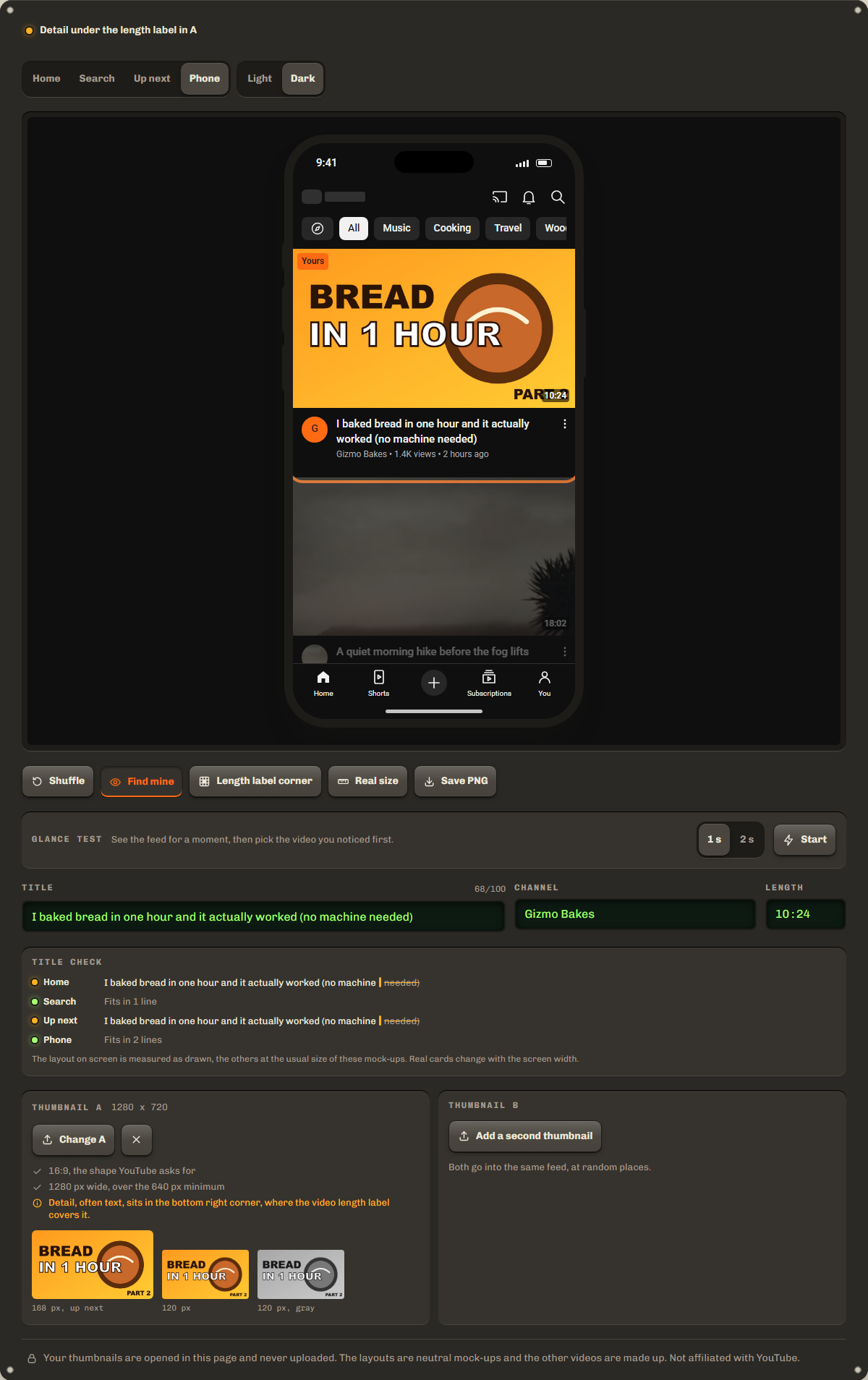
Under each thumbnail the tool also shows it at 168 pixels, the up next size of this preview, at 120 pixels, and at 120 pixels in gray. If a word is hard to read there, it is too small or too thin: use fewer, bigger words, or none. The gray copy shows whether the text stands out by lightness, not only by color. Check the dark theme as well: a thumbnail with a black or white edge can melt into the page in one theme and stand out in the other.
FAQ
Is my thumbnail uploaded?
No. The image is opened by your browser and drawn in the page. It is not sent to a server or saved, and it is gone when you close the tab. Save PNG draws the preview in your browser too.
Does this look exactly like YouTube?
Close, but not exactly. The mock-ups follow the common desktop and phone layouts: the top bar with the search box, the guide on the left, the filter chips, cards with rounded thumbnails, the length label, the title cut to two lines, the channel, the views and the age, in light and dark colors. There is no logo, the icons are simple drawings, and YouTube changes its design often and differs by device. This tool is not affiliated with YouTube.
Where do the other videos come from?
They are a mix. Some are real YouTube thumbnails, shown with the channel when it is clear from the picture; the others are free stock photos with made up titles and channels. The views, ages and lengths are made up.
What size should a YouTube thumbnail be?
YouTube's help asks for a 16:9 image with a resolution of 3840 x 2160 for videos and a minimum width of 640 pixels, as JPG or PNG, under 2 MB from a phone or 50 MB from a computer. A 1280 x 720 image is 16:9 and over the minimum, so it works too.
How does the glance test work?
Tap Start: after a short countdown the feed shows for 1 or 2 seconds, then only the pictures stay, and you tap the video you noticed first. The tally is kept in your browser. You know your own thumbnail, so ask a friend who has not seen it to take the test.
How does the warning about the corner work?
The tool looks at a small copy of your image and counts sharp edges in the bottom right corner, where the length label sits. Text and logos make many sharp edges, so a high count gets a warning. It cannot read the text, so a busy photo can trigger it too: use Length label corner to see the area and judge for yourself.
Can I preview Shorts thumbnails?
Not yet. The layouts here are for regular videos, which use 16:9 thumbnails. YouTube's help asks for 9:16 for Shorts.
Related tools
All creator toolsCheck that the text on your thumbnail stands out from the background.
Write the post that shares your video, within 300 characters.
Check a Threads post against the 500 character limit.
Maintained by NabeelUpdated Oct 23, 2026.